
Windows 10 Pro Key
$1.45$8.11 (-82%)
You save
- Global Product.
- 100% Genuine Product.
- For one PC only.
- Instant delivery via Email.
- Offline key ( Please read about it below in the description before buying).
- Get Official updates from Microsoft.
- Official download links and installation instructions shared via mail.
- Will work on fresh or existing installations of Windows 10 Pro edition only.
- Works for both 32/64 bit editions of Windows 10 Pro.
- Bulk Discount Available.
GET NOTIFIED WHEN THE PRODUCT IS UPDATED
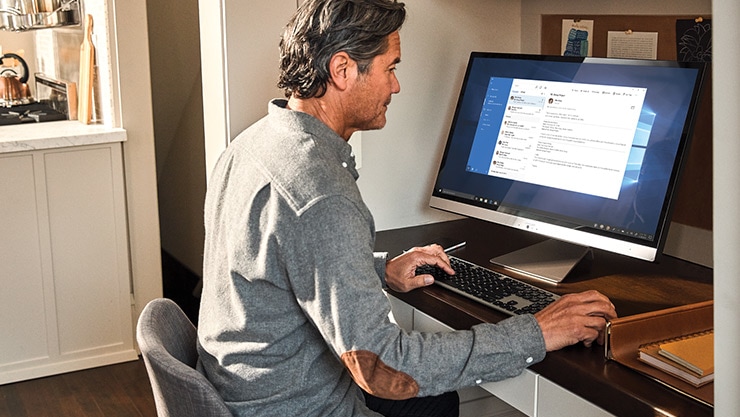
Remote Desktop
Remote desktop lets you unlock and access your own machine virtually – all your files, folders and apps – from any device via Internet.3
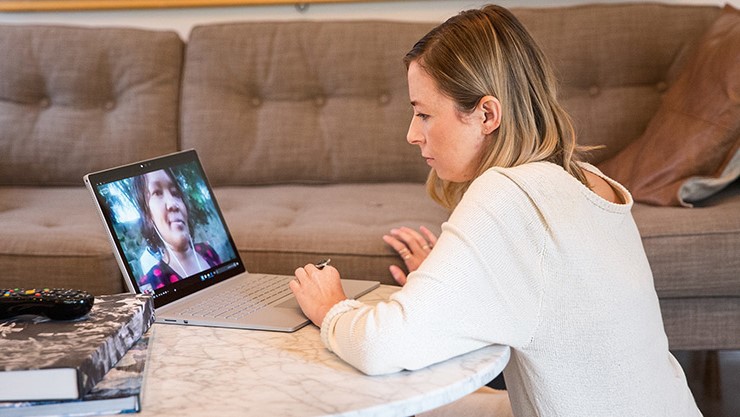
Microsoft 365⁴ Business
Employees can collaborate virtually without compromising privacy and security. Chat, meet, call and collaborate all in one place with Microsoft Teams.
-
Seamless work, frictionless management
Save user’s time with single login across Windows 10 and other Microsoft services. Identity and access management all in the cloud with Azure AD Join. -
Manage mobile devices as well as PCs.
Manage company security policies and business applications on your team’s devices without compromising their privacy through Mobile Device Management (MDM).5


Add and manage multiple devices at once
With Domain Join & Group Policy you can add new devices to your network and set security policies for many devices at once, all from one management console.
How To Activate
Follow the below instruction:
- Search for ” activation ” from the bottom left corner search option.
- Open the activation page and click on activate then you will see an option the change
product key. - Click on change product key and enter your license key and click on activate.
| Required processor | 1 GHz or faster compatible processor |
|---|---|
| Required memory | 1 GB RAM for 32-bit; 2GB for 64-bit |
| Required hard disk space | Up to 20 GB available hard disk space |
| Required video card | 800 × 600 screen resolution or higher. DirectX 9 graphics processor with WDDM driver |
| Required connectivity | Internet access (fees may apply) |
| Other system requirements | Microsoft account required for some features. Watching DVDs requires separate playback software. |

1 Review For This Product